
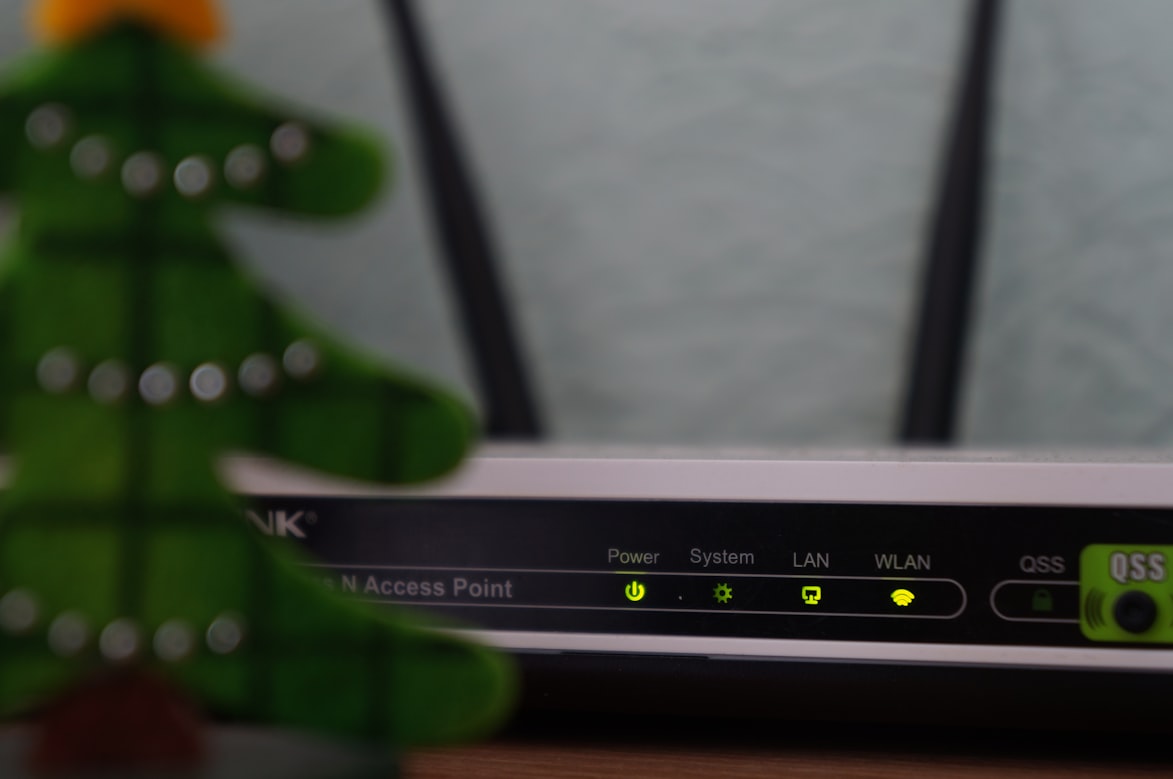
Your router is one of the most important gadgets within our home’s internet network. It manages the incoming and outgoing traffic and ensures that no external data comes in and no personal data goes out. In addition, it restricts unauthorized access to your home Wi-Fi network and then to your other devices, including phones, laptops, tablets, etc. When someone tries to access your network, be it your neighbor or a remote hacker, it may compromise your device’s security.
It is crucial to keep your router secure to reduce the security risks associated with it. There are lots of ways to improve your router’s security and protect your data. One way is to change your router’s default login credentials. In addition, you can change your wireless network’s name to a more personalized name.
We have compiled a list of ways for you to secure your Wi-Fi router and protect your home network:
Update Your Firmware
Your router’s firmware can become susceptible to security risks over time. It manages your network security and decides which devices can be connected to it. Therefore, it needs to be regularly updated for better performance and security.
Create a Guest Network
If you have visitors coming over to your place and connecting to your home Wi-Fi network, then you need to create a separate network for them. A guest network will secure your home’s main network against potential hackers who can gain access to your data. So, if you are letting your guests use your Wi-Fi through a guest network, you can simply restrict their access to your personal information, including your network’s SSID.
Install a Firewall
A firewall detects suspicious data from other networks and restricts its transmission to your home network. This way, it protects your devices from both, internal and external security threats, including malicious software and controls your device from uploading unlawful data to the internet.
Change Your Wi-Fi Password
Most wireless routers manufactured by the same company are secured with the same default passwords; hence, they can be easily hacked by intruders. Therefore, you need to change your Wi-Fi password to avoid the risk of hackers breaking into your home network. Make sure you add at least 20 characters to your password, including alphanumeric characters and symbols to make it stronger. To ensure maximum security, set a new username for your network as well.
Use an Encrypted Network
Most routers allow users to turn on the encryption settings. By doing so, you can effectively secure your network using Wi-Fi Protected Access 2 (also known as WPA2). If someone tries to access details about your network traffic through your router, an encrypted version will appear so that no information is shared with the intruder.
Switch Off Your Wi-Fi Network Whenever Possible
If you want to protect your Wi-Fi network from potential hackers, you need to turn off your Wi-Fi while you are away from home. For example, when you go to work, someone may try to gain access to your router. By turning off your network, you will significantly minimize the chances of someone breaking into your network.
Switch to a Fiber Internet
Fiber internet comes with additional security. It uses fiber-optic cables to deliver data between devices, which makes it difficult for hackers to intercept. Since it is not dependent on electronic signals, intruders can’t get access to your data in any case.
Relocate your Router
The position of your router determines its security. For example, if you are placing your router on the balcony, between two floors, or near the window, there is a chance that your neighbors or anyone else can access the Wi-Fi network. So, opportunistic hackers can intercept your network.
To avoid such risky situations, place your router in a central location of your home. This will not just keep hackers away, but also transmit stronger Wi-Fi signals to every room of your house.
Use a VPN
A virtual private network, also known as VPN, encrypts your browsing history by hiding your IP address. This way, your network can’t be traced by anyone, and your data remains protected from other users and devices.
Hide Your Network Name Broadcasting
Wi-Fi networks have a name that needs to be hidden from the public. For example, if someone looks up the available Wi-Fi networks nearby, your home Wi-Fi network’s name will appear in the list. But, when you hide your network name from showing up on strangers’ screens, it will remain protected against unwanted users trying to access your Wi-Fi network.
Closing Thoughts
Sometimes, securing your router can be challenging as it can be easily compromised in many ways. Using the abovementioned tips, you can protect your network against potential security risks and threats. However, if switching your internet provider is the only option left, you must consider fiber internet. For rural communities, there are plenty of reliable rural internet options to choose from.
